

A Starter Guide to Outsmarting Hackers and Snooping Corporations
The Day the Internet Turned Against Me
It was 3:17 PM on a quiet Tuesday when Jordan received the email.
“Your password has been compromised.”
At first, he thought it was spam. But as he scrolled further, he noticed the message contained an old password he hadn’t used in years. How did they get it? Who were they? And what else did they know?
That same week, targeted ads about his private health condition started popping up on his browser. Emails from unknown sources flooded in. His location history was accurate to the minute. And to top it off, a subscription he never signed up for billed his credit card.
Jordan realized something frightening: he was being watched. By hackers, sure. But also by the apps he trusted, the websites he visited, and even the phone in his pocket.
If you’ve ever felt that digital unease, this guide is for you.
The Age of Digital Spies
We are living in a time when privacy is the new luxury. Hackers are smarter. Corporations are sneakier. The devices we use every day are quietly recording, storing, and sometimes selling our most personal information.
From browser history to biometric data, nothing is off-limits anymore. But while the digital world may seem like an invisible battlefield, you’re not powerless.
With the right tools and mindset, even a beginner can start taking control.
Read More: When Robots Start Talking: The Wild Rise of AI in Podcasting
Step-by-Step Starter Guide to Outsmart Digital Predators
1. Use a Password Manager and Stop Reusing Passwords
Hackers love weak passwords. Even more, they love when you reuse them across accounts.
- Solution: Use a password manager like Bitwarden, 1Password, or NordPass.
- Benefit: It creates strong, unique passwords for every account and stores them securely.
2. Turn on Two-Factor Authentication (2FA)
This simple step adds an extra lock on your digital door.
- Why it works: Even if your password is stolen, 2FA asks for a second form of proof (like a code sent to your phone).
- Pro tip: Use app-based authenticators (like Google Authenticator or Authy), not SMS.
3. Get a Virtual Private Network (VPN)
Whether you’re browsing at home or sipping coffee at a café, your data can be intercepted.
- Use a trusted VPN: It encrypts your internet traffic and hides your IP address.
- Popular choices: ExpressVPN, ProtonVPN, Mullvad.
4. Ditch Google and Try Privacy-Focused Alternatives
Most free services are not really free. You pay with your data.
- Search: Use DuckDuckGo or Startpage instead of Google.
- Browser: Firefox or Brave over Chrome.
- Email: ProtonMail or Tutanota over Gmail.
5. Review App Permissions Like a Detective
Ever wondered why your flashlight app needs access to your microphone?
- Tip: On Android and iOS, go to settings and review what each app can access.
- Action: Revoke permissions that don’t make sense.
6. Encrypt Your Devices
In case your phone or laptop is stolen, encryption ensures your data stays unreadable.
- How: Most smartphones offer built-in encryption; just turn it on.
- Bonus: Use full-disk encryption on laptops (e.g., BitLocker for Windows, FileVault for macOS).
7. Install an Anti-Tracking Browser Extension
Online trackers follow your every move across websites.
- Install: uBlock Origin, Privacy Badger, or Ghostery.
- Result: Cleaner, faster, and more private browsing.
8. Cover Your Webcam and Microphone
It sounds paranoid, but it’s not. Hackers have accessed cameras before.
- Easy fix: Use a simple webcam cover or a sticker.
- Microphone tip: Disable it from device settings when not in use.
Read More: The Next Oscar Winner Might Thank an Algorithm Not a Human
Why Corporations Want Your Data
Companies collect your data not just for ads but for behavior prediction, market manipulation, and even price discrimination.
Every search, click, scroll, or pause on a video tells a story. And these stories are bought, sold, and analyzed by AI systems to predict your next move. In a way, these corporations know you better than your friends do.
But you can interrupt the script. You can reclaim the plot.
Frequently Asked Questions (FAQ)
Is privacy really possible anymore?
Complete privacy may be unrealistic, but digital hygiene can protect you from most threats. Think of it like washing your hands. You can’t eliminate all germs, but you can prevent most diseases.
Can hackers break into my phone or smart home?
Yes. Especially if you use default passwords, don’t update your devices, or install suspicious apps. Always update your firmware and change those factory passwords.
What is the dark web and should I worry?
The dark web hosts anonymous activity, both legal and illegal. Data breaches often end up there. You should worry if your personal info is leaked—use tools like “Have I Been Pwned” to check.
Do incognito mode and private browsing keep me safe?
Not really. Incognito mode only hides history on your device. Your internet provider, websites, and even trackers can still see your activity. Use it for local privacy, not full anonymity.
How can I teach my kids or parents about digital safety?
Start with basics: strong passwords, not clicking unknown links, and avoiding oversharing. Use kid-friendly tools like Bark or Norton Family for parental control, and simple tutorials for older adults.
Final Thoughts: Take Back Your Digital Freedom
Privacy isn’t about hiding. It’s about control. Control over who sees your life, how your data is used, and what kind of digital future you want to live in.
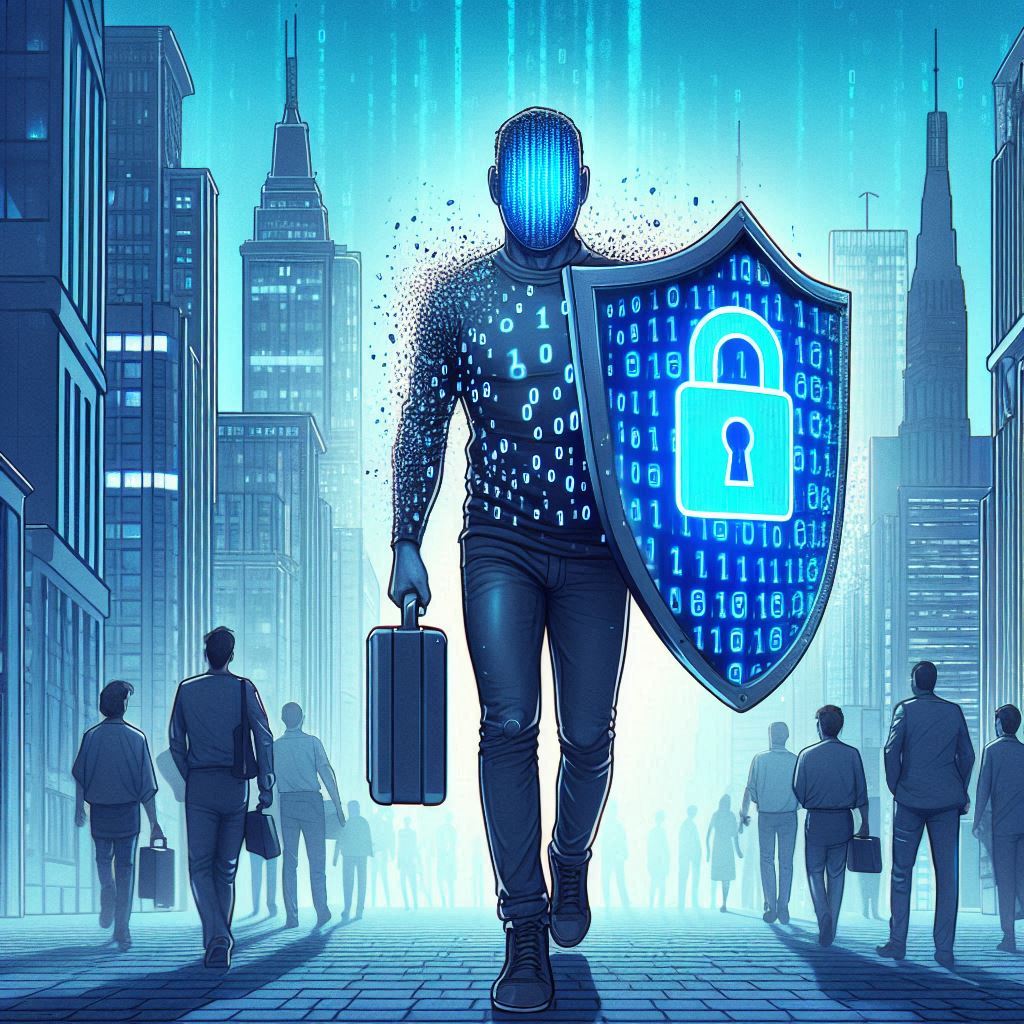
Remember Jordan? After weeks of clean-up, he finally took back control. He ditched invasive apps, encrypted his devices, and even convinced his friends to do the same. He’s not off-grid. But now, he chooses what he shares.
So can you.
Start small. Change your habits. Use the tools. Be alert.
Because in this connected world, the best defense is not fear—it’s knowledge.



Pingback: Parallel Computing Explained - Newline Tech