
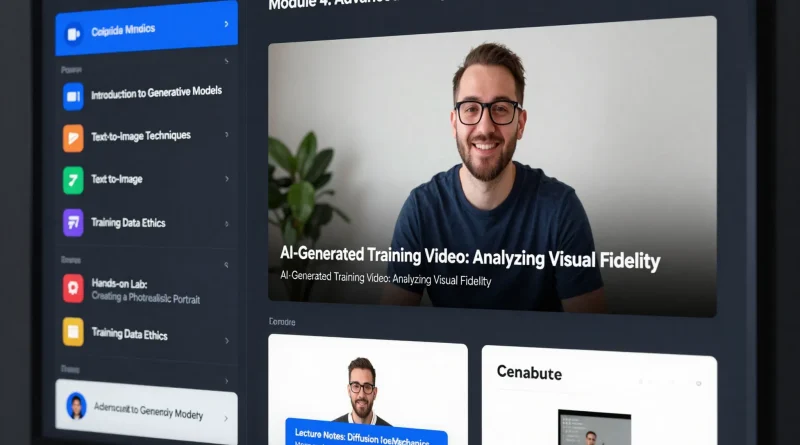
How to Create Online Courses Faster Using Synthesia AI Avatars
Introduction
Creating an online course used to mean expensive cameras, studio lighting, retakes, editing software, and hours of post-production work.
Now imagine writing a script, selecting a digital presenter, clicking generate, and having a professional training video ready in minutes.
That’s exactly what AI video platforms like Synthesia make possible.
For educators, coaches, startups, and corporate trainers, Synthesia AI avatars are transforming how online courses are created faster, cheaper, and at scale.
What Is Synthesia?
Synthesia is an AI-powered video creation platform that allows users to generate professional videos using realistic AI avatars.
Instead of filming yourself, you:
- Upload or write a script
- Choose an AI avatar
- Select a language and voice
- Generate a studio-quality training video
No cameras. No microphones. No editing skills required.
Why AI Avatars Are Changing Online Education
Online education is booming, but traditional video production slows creators down.
AI avatars help course creators:
- Reduce production time
- Eliminate filming logistics
- Scale multilingual content
- Update lessons instantly
- Maintain consistent video quality
This is especially powerful for businesses producing onboarding, compliance, or product training content.
Step-by-Step: Create an Online Course Using Synthesia
Step 1: Plan Your Course Structure
Outline your course modules, lessons, and learning objectives.
Example structure:
- Module 1: Introduction
- Module 2: Core Concepts
- Module 3: Practical Examples
- Module 4: Summary and Next Steps
Keep lessons concise (5–10 minutes each for better engagement).
Step 2: Write Your Script
AI avatars rely on clear scripts.
Best practices:
- Use conversational language
- Break text into short paragraphs
- Add natural pauses
- Include examples and bullet points
Example prompt section:
“Welcome to Module 1. In this lesson, you’ll learn the fundamentals of digital marketing.”
Step 3: Upload Script to Synthesia
Inside Synthesia:
- Paste your script
- Choose an AI avatar
- Select background style
- Pick a voice and a language
Synthesia supports multiple languages, allowing creators to localize content globally.
Step 4: Customize Visual Elements
You can add:
- Slide visuals
- Screen recordings
- Brand logos
- Text overlays
- Background themes
This creates a professional, branded learning experience.
Step 5: Generate and Export
Click generate.
Within minutes, your AI presenter delivers the script in a polished video format ready for:
- Learning Management Systems (LMS)
- YouTube
- Course platforms
- Internal corporate training portals
Read More: How to Create YouTube Thumbnails Automatically Using Canva AI
Table: Traditional Course Creation vs Synthesia AI
| Feature | Traditional Video Production | Synthesia AI Avatars | Benefit |
|---|---|---|---|
| Filming Equipment | Required | Not required | Lower costs |
| Editing Time | Hours or days | Minimal | Faster production |
| Multilingual Versions | Requires re-recording | Instant generation | Global scalability |
| Updates | Refilm entire section | Edit script and regenerate | Easy revisions |
| On-Camera Confidence | Necessary | Not needed | Removes creator anxiety |
Use Cases for Course Creators
Synthesia AI avatars are ideal for:
- Online educators
- YouTube educators
- Corporate HR teams
- SaaS onboarding tutorials
- Compliance training
- Product demos
- Marketing explainer courses
Small businesses can now produce studio-quality training content without large budgets.
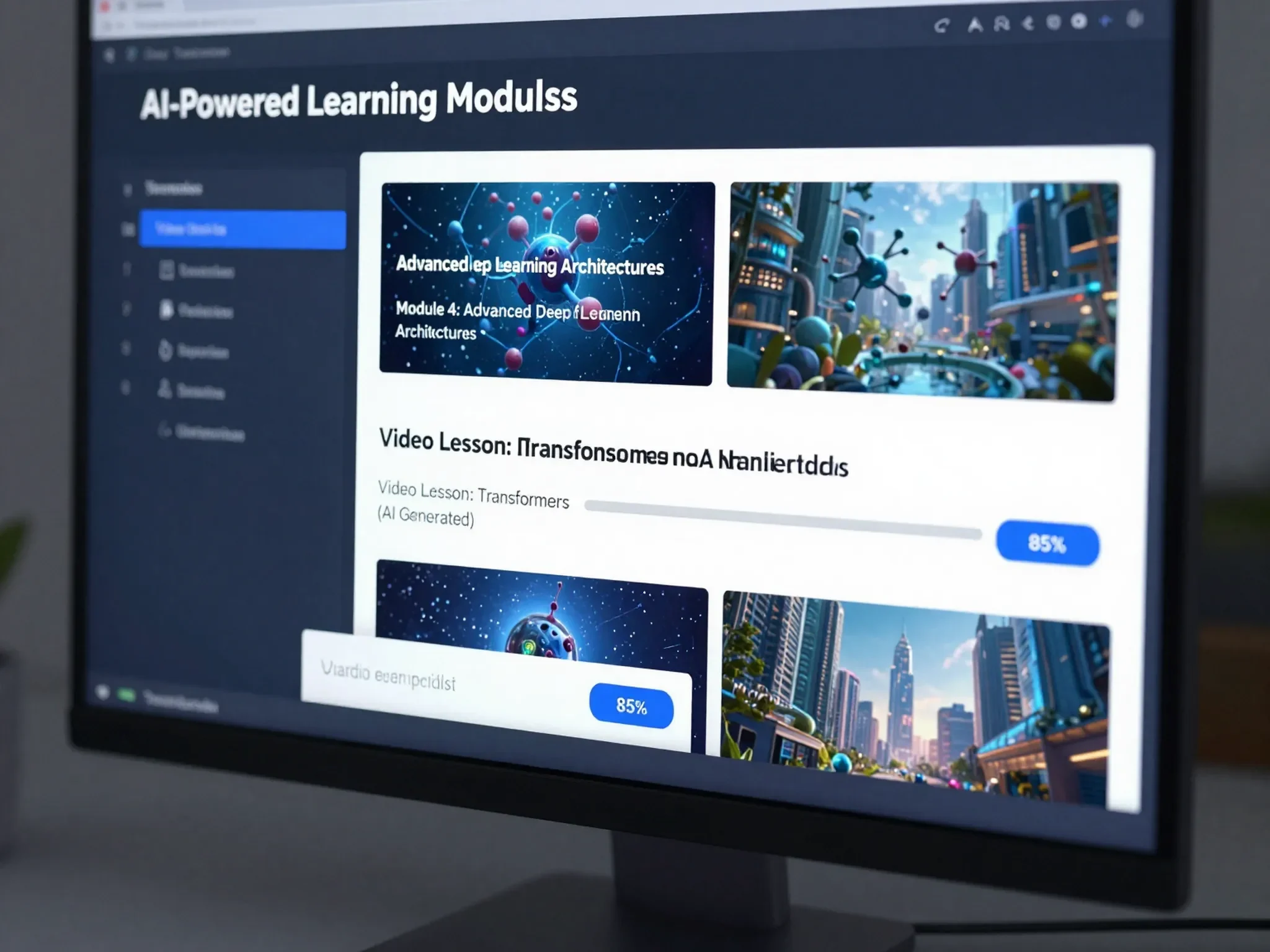
Read More: How to Build a Customer Support Chatbot Using ChatGPT and Zapier Automation
Tips for Better AI Course Videos
To maximize engagement:
- Keep lessons short and focused
- Combine avatar videos with slides
- Use clear storytelling examples
- Add quizzes between modules
- Maintain consistent branding
AI speeds production, but course quality still depends on clear structure and valuable insights.
Limitations to Consider
While powerful, AI avatars may not replace:
- Highly emotional storytelling
- Live interactive teaching
- Complex whiteboard explanations
Blending AI-generated videos with human interaction can create the best learning experience.
Read More: How to Write SEO Blog Posts Faster Using Jasper AI and Surfer SEO
Frequently Asked Questions
Is Synthesia suitable for beginners?
Yes. It is designed to be user-friendly and requires no video editing experience.
Can I create courses in multiple languages?
Yes. Synthesia supports multilingual video generation, making global course distribution easier.
Is an AI-generated video professional enough for corporate training?
Yes. Many enterprises use AI avatar platforms for onboarding and internal training content.
Do I need to appear on camera?
No. The AI avatar delivers your script on your behalf.
Conclusion
Synthesia AI avatars are redefining online course creation. What once required cameras, studios, and editing teams can now be done with a script and a few clicks.
For educators and businesses looking to scale content production, localize globally, and reduce costs, AI video generation offers a powerful competitive advantage.
In the fast-growing world of digital education, speed and scalability matter — and AI avatars are making both possible.


Pingback: How to Generate Website Copy and Landing Pages Using Copy.ai - Latest AI/Tech Info
Pingback: How to Summarize Research Papers and PDFs Using Notion AI - Latest AI/Tech Info
Pingback: How to Build a Professional Sales Presentation Using Microsoft Copilot in Microsoft PowerPoint - Latest AI/Tech Info