

How to Create Engaging AI Social Media Posts Using Canva Magic Write
Introduction
Creating consistent social media content can feel like a daily struggle. One day, you have ideas flowing, and the next day, you are stuck staring at a blank screen, unsure of what to post. For many individuals and businesses, keeping up with content demands is both time-consuming and mentally exhausting.
This is where artificial intelligence is making a real difference. Instead of spending hours brainstorming and writing, creators can now generate ideas and captions instantly. Tools like Canva Magic Write are helping users turn simple prompts into engaging social media content in seconds.
With the right approach, anyone can maintain a strong online presence without the stress of constant content creation.
Understanding Canva Magic Write
Canva Magic Write is an AI-powered writing assistant built into the Canva ecosystem. It is designed to help users generate text content for different purposes, including social media posts, captions, blog ideas, and marketing copy.
The tool works by taking a prompt or idea and expanding it into well-structured content. It can adjust tone, style, and length based on the user’s needs. This makes it suitable for both casual posts and professional brand communication.
What makes it especially useful is its integration with Canva’s design tools. Users can create both the visual and the caption in one place, streamlining the entire content creation process.
Turning Ideas Into Social Media Content
Creating posts with Canva Magic Write begins with a simple idea. This could be a product promotion, a motivational quote, or an update about your brand. Once you input your idea, the AI generates a draft that you can refine and personalize.
The process feels more like collaboration than automation. The AI provides a strong starting point, while the user adds a personal touch to ensure authenticity. This balance helps maintain originality while saving time.
Because the tool can generate multiple variations, users can experiment with different tones and styles. This is especially useful for testing what type of content resonates most with an audience.
Read More: How to Create Short AI Movies From Text Prompts Using Pika Labs
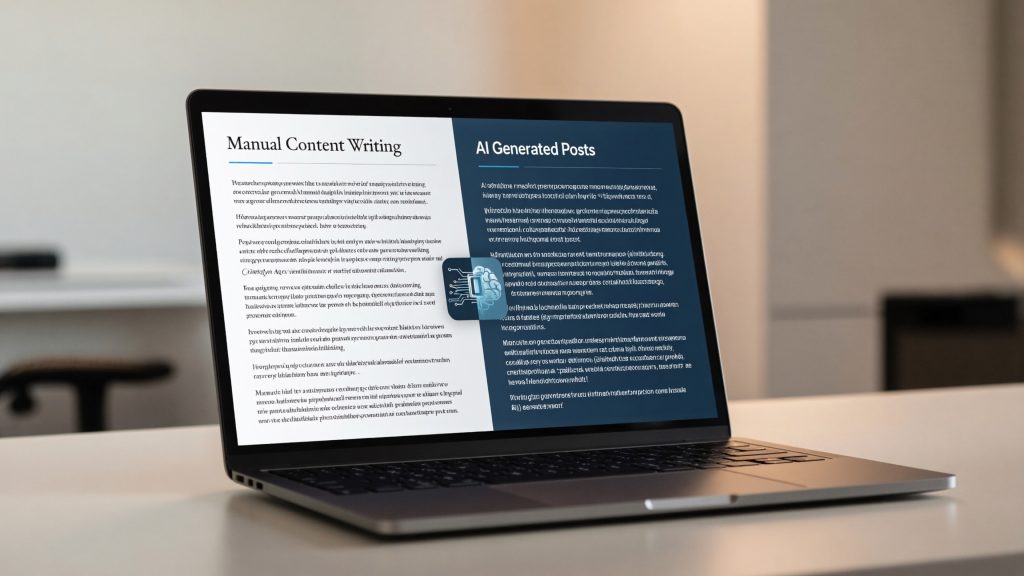
Table: AI Content Creation vs Manual Posting
| Method | Key Difference |
|---|---|
| Canva Magic Write | Fast and automated content generation |
| Manual Writing | Time-consuming and idea-dependent |
| Canva Magic Write | Consistent tone and structure |
| Manual Writing | Varies based on creativity and time |
Read More: How to Create a Powerful Business Website Chatbot Using Botpress AI
Why AI-Generated Posts Perform Better
AI-generated posts often perform better because they are structured and optimized for engagement. Canva Magic Write helps users craft messages that are clear, concise, and appealing to readers.
It can also suggest formats that encourage interaction, such as questions, calls to action, or storytelling captions. This increases the chances of likes, comments, and shares.
Another advantage is consistency. Posting regularly is key to social media growth, and AI tools make it easier to maintain that consistency without burnout.
Real World Applications for Creators and Businesses
Individuals use Canva Magic Write to stay active on platforms like Instagram, Facebook, and LinkedIn without spending too much time on content creation.
Small businesses rely on it to promote products, announce offers, and engage with customers. By combining visuals from Canva with AI-generated captions, they can create professional posts quickly.
Marketing teams also benefit from faster content production, allowing them to focus more on strategy and audience engagement.
The Future of AI in Social Media Content
AI tools are becoming an essential part of digital marketing. Platforms like Canva Magic Write are expected to evolve with more advanced personalization and audience targeting features.
In the future, AI may analyze audience behavior and generate posts tailored to specific demographics automatically. This could make content even more effective and relevant.
As these tools improve, the gap between professional and casual content creation will continue to shrink, giving more people the ability to compete online.
Read More: How to Transform Written Notes Into Stunning Presentations Using Tome AI
Frequently Asked Questions
What is Canva Magic Write used for?
Canva Magic Write is used to generate text content such as social media posts, captions, and marketing copy.
Do I need writing skills to use it?
No, the tool is designed to assist users regardless of their writing experience.
Can I edit the generated content?
Yes, you can customize and refine the content to match your brand voice.
Is it suitable for business use?
Yes, many businesses use it for social media marketing and content creation.
Conclusion
Creating engaging social media posts no longer needs to be stressful or time-consuming. With tools like Canva Magic Write, users can turn simple ideas into compelling content quickly and efficiently.
By combining creativity with AI assistance, individuals and businesses can maintain a strong and consistent online presence.
As artificial intelligence continues to evolve, content creation will become even more accessible, allowing more people to share their voice and grow their digital influence.



Pingback: How to Conduct Faster and Smarter Online Research Using Perplexity AI - Latest AI/Tech Info