

Best Video Editing Software for Content Creators in Nigeria
Introduction
In today’s digital era, video content dominates social media, YouTube, and online marketing.
Whether you’re a YouTuber, influencer, filmmaker, or business owner in Nigeria, using the right video editing software can make your content stand out.
But with so many options available, how do you choose the best video editing software for your needs?
In this guide, we’ll explore the best video editing software for content creators in Nigeria—from free beginner-friendly tools to professional-grade software used by experts. Let’s dive in! 🎬🚀
1. Adobe Premiere Pro – Best for Professionals
Why Choose Adobe Premiere Pro?
Adobe Premiere Pro is the industry standard for professional video editing. It’s widely used by Nigerian filmmakers, YouTubers, and digital marketers.
Key Features:
- Advanced editing tools for cinematic-quality videos.
- Seamless integration with Adobe Photoshop and After Effects.
- Multi-cam editing for professional video production.
- Color grading and correction for high-end visuals.
Pros:
✔ Powerful and feature-rich.
✔ Regular updates and industry-standard tools.
✔ Works on both Windows & Mac.
Cons:
❌ Expensive subscription-based pricing (starts at $20.99/month).
❌ Requires a high-performance PC for smooth operation.
2. Davinci Resolve – Best for Color Grading & Free Option
Why Choose DaVinci Resolve?
If you’re looking for Hollywood-level color grading, DaVinci Resolve is your best bet. The free version offers professional features without a price tag.
Key Features:
- Best-in-class color grading tools for cinematic effects.
- Fusion visual effects for high-end editing.
- Fairlight audio editing for professional sound mixing.
- Multi-user collaboration tools.
Pros:
✔ Free version available with powerful tools.
✔ Ideal for professional color correction.
✔ Advanced visual effects and audio editing.
Cons:
❌ Steep learning curve for beginners.
❌ Requires a powerful PC or Mac.
3. Final Cut Pro – Best for Mac Users
Why Choose Final Cut Pro?
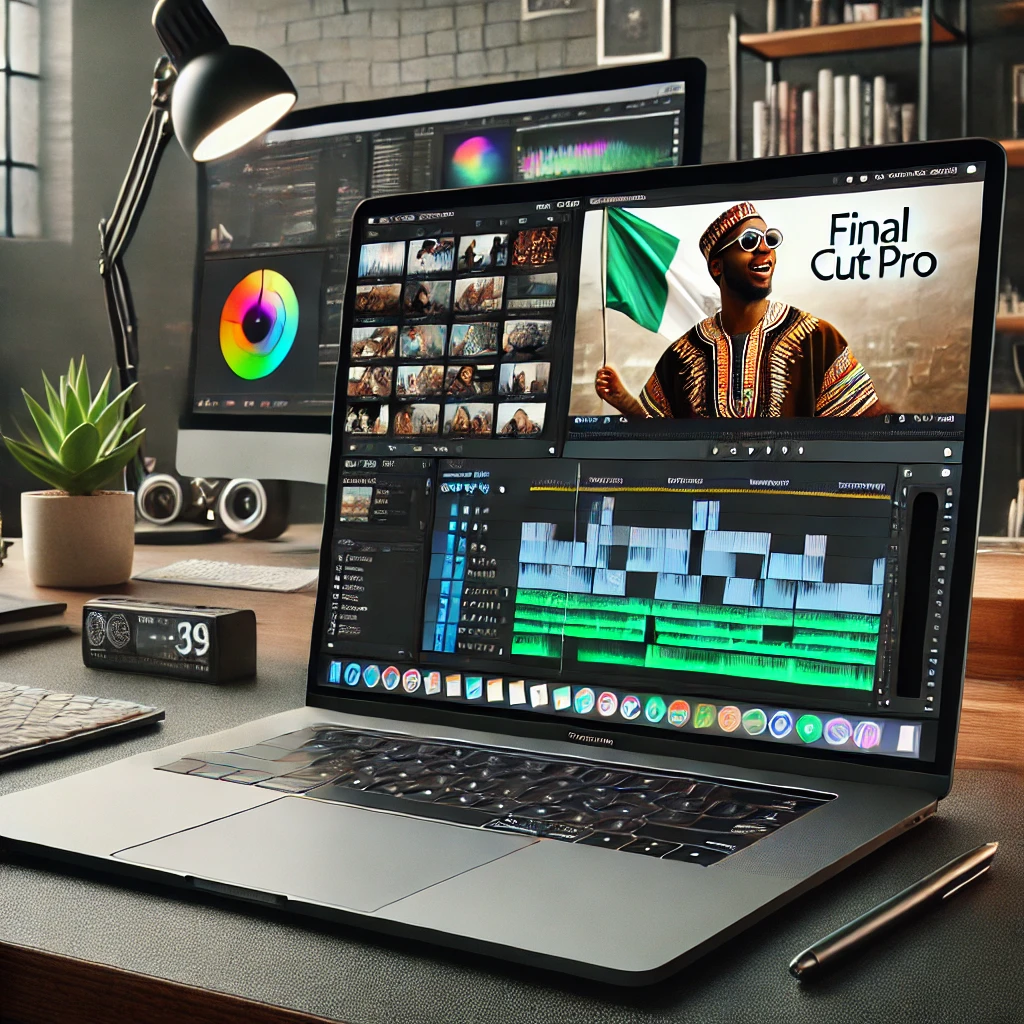
For Mac users in Nigeria, Final Cut Pro is the top choice. It offers professional-level video editing with an easy-to-use interface.
Key Features:
- Magnetic Timeline for faster editing.
- Optimized for Mac’s M1/M2 chips, ensuring smooth performance.
- 360-degree VR editing for immersive content.
- High-quality motion graphics tools.
Pros:
✔ One-time payment (no subscription).
✔ Faster rendering than most software.
✔ Perfect for YouTubers and filmmakers.
Cons:
❌ Only available on Mac.
❌ Higher initial cost ($299.99 one-time payment).
4. Filmora – Best for Beginners & YouTubers
Why Choose Filmora?
If you’re just starting, Filmora offers an easy-to-use interface with powerful editing tools.
Key Features:
- Drag-and-drop editing with an intuitive UI.
- Built-in effects and transitions for quick edits.
- Motion tracking & AI-powered tools.
- Screen recording feature for tutorial creators.
Pros:
✔ Affordable pricing (starts at $39.99/year).
✔ User-friendly and beginner-friendly.
✔ Works on both Windows & Mac.
Cons:
❌ Lacks advanced editing tools for professionals.
❌ Watermark in the free version.
5. CapCut – Best Free Mobile Editing App
Why Choose CapCut?
For Nigerian content creators on the go, CapCut is one of the best free mobile video editing apps available.
Key Features:
- AI-powered editing tools.
- Trendy effects and transitions.
- One-click background removal.
- Easy-to-use interface.
Pros:
✔ 100% free with no hidden costs.
✔ Great for TikTok, Instagram, and YouTube Shorts.
✔ Works smoothly on Android & iOS.
Cons:
❌ Limited advanced features compared to desktop editors.
❌ Not ideal for professional filmmaking.
6. Kinemaster – Best for Mobile Professionals
Why Choose Kinemaster?
If you want professional mobile video editing, Kinemaster is a great alternative to CapCut.
Key Features:
- Multi-layer editing for advanced mobile video creation.
- Chroma key (green screen) support.
- Royalty-free music library.
- 4K video export.
Pros:
✔ Powerful editing tools for mobile.
✔ Great for vloggers & content creators.
✔ Available on Android & iOS.
Cons:
❌ Watermark in the free version.
❌ Subscription required for full features ($4.99/month).
7. HitFilm Express – Best Free Desktop Editor
Why Choose HitFilm Express?
HitFilm Express is a free professional-grade video editor, perfect for YouTube and filmmaking.
Key Features:
- Advanced VFX and special effects.
- 2D and 3D compositing tools.
- Built-in motion graphics editing.
- Customizable interface.
Pros:
✔ Free with professional-level features.
✔ Ideal for VFX-heavy videos.
✔ Works on Windows & Mac.
Cons:
❌ Can be resource-intensive on low-end PCs.
❌ Learning curve for beginners.
Final Verdict: Which Video Editor is Best for You?
| Software | Best For | Price | Platform |
| Adobe Premiere Pro | Professionals & Filmmakers | $20.99/month | Windows & Mac |
| DaVinci Resolve | Color Grading Experts | Free/$295 (Studio) | Windows & Mac |
| Final Cut Pro | Mac Users | $299.99 (One-time) | Mac |
| Filmora | Beginners & YouTubers | $39.99/year | Windows & Mac |
| CapCut | Mobile Editing (Free) | Free | Android & iOS |
| Kinemaster | Mobile Professionals | $4.99/month | Android & iOS |
| HitFilm Express | Free Desktop Editing | Free | Windows & Mac |
Conclusion: Pick the Best Video Editing Software & Start Creating!
Choosing the best video editing software in Nigeria depends on your budget, skill level, and platform.
🎬 If you’re a beginner, go for Filmora or CapCut.
🎞️ If you want professional editing, choose Adobe Premiere Pro, Final Cut Pro, or DaVinci Resolve.
📱 If you edit on mobile, CapCut or Kinemaster are great choices.
🚀 Now, it’s time to start creating amazing videos! Download your preferred software today and take your content creation to the next level.


Pingback: AI Writes Code Now—So, Do Programmers Need to Worry? - Newline Tech