
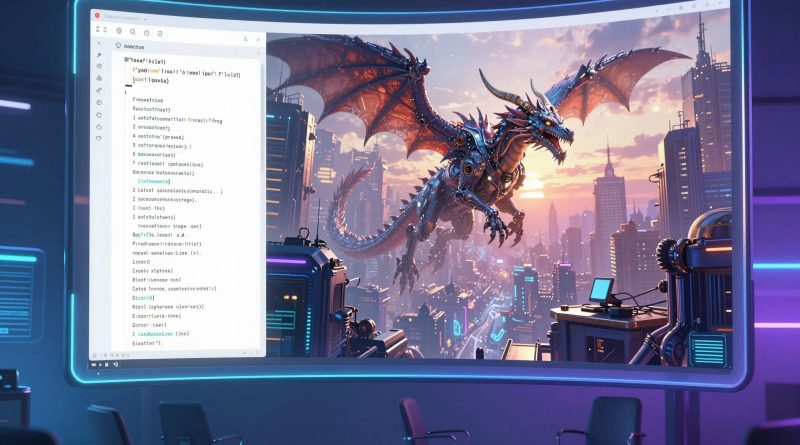
Step-by-Step Creating Stunning AI-Generated Art in Minutes
Introduction
Imagine sitting in your living room with just a laptop and a few ideas in your head. Within minutes, a vibrant, professional-quality piece of art appears on your screen. No brushes, no canvas, no prior art training required. This is the power of AI-generated art. Once the domain of tech experts, AI art tools now empower anyone to create stunning visuals quickly and efficiently. Artists, marketers, educators, and creators are discovering that imagination combined with AI can produce remarkable results in minutes instead of hours or days.
AI-generated art is more than a novelty. It’s a creative revolution. It allows creators to experiment, iterate, and bring ideas to life with speed and precision. Understanding how to harness these tools effectively is the key to maximizing creativity and productivity.
How AI-Generated Art Works
AI-generated art relies on generative models, which analyze millions of images to understand patterns, styles, and compositions. When you provide a prompt, the AI interprets it and produces a unique image based on learned patterns. Advanced AI tools now allow fine-tuning, style adjustments, and multi-step editing, giving creators unprecedented control over the output.
Step 1: Choosing the Right AI Art Tool
Selecting the right tool is essential. Popular options include:
| Tool | Best For | Features |
|---|---|---|
| DALL-E | Realistic and imaginative images | Text-to-image generation, inpainting |
| MidJourney | Artistic and stylized visuals | High-quality rendering, artistic focus |
| Stable Diffusion | Flexible and customizable | Open-source, fine-tuning options |
| Canva AI | Quick marketing graphics | Templates, text-to-image features |
| Runway | Video and image generation | Multi-modal AI creativity |
Read More: The Ultimate AI Productivity Stack Tools That Can Save Hours Daily
Step 2 Crafting Effective Prompts
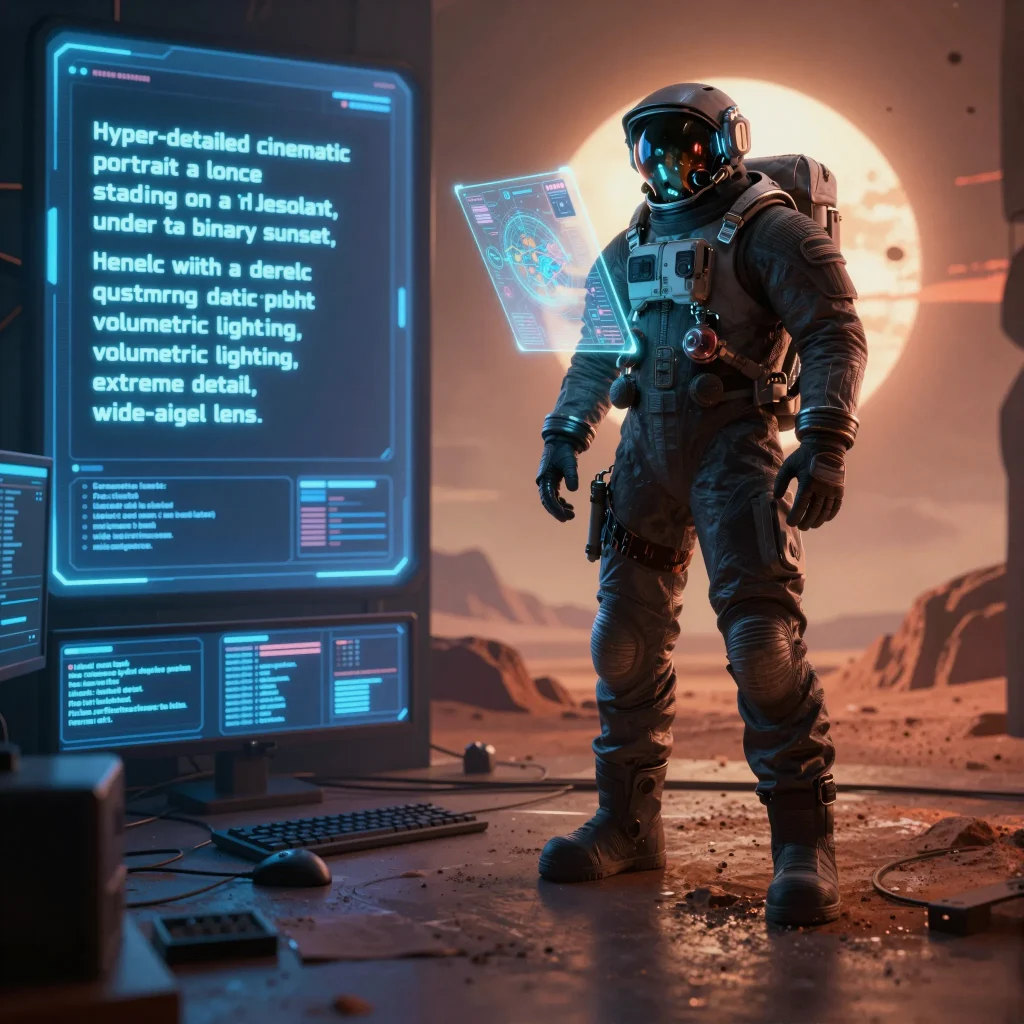
The prompt is the most critical step in AI art creation. Clear, descriptive language yields better results. Include details such as style, mood, colors, and composition. For example, instead of typing “sunset,” try “vibrant sunset over a tropical beach with palm trees, warm colors, cinematic lighting, and soft reflections on water.”
Experimentation is key. Iteratively refine prompts to guide AI toward the desired outcome.
Step 3: Fine-Tuning and Editing AI Art
After generating an image, fine-tuning allows you to adjust details. Most AI tools provide options for:
- Adjusting colors and contrast
- Changing perspectives or angles
- Inpainting or modifying specific areas
- Combining multiple AI outputs into a final piece
This step ensures the artwork matches your vision and purpose.
Read More: How to Automate Your Business Using AI Tools Without Coding
Step 4: Exporting and Using AI Art
Once satisfied, export the artwork in high resolution for digital use, print, or social media. AI-generated art can enhance:
- Marketing campaigns and social media posts
- Book covers and illustrations
- Presentations and infographics
- Concept art for games and videos
| Use Case | Benefit |
|---|---|
| Social media graphics | Faster content creation and engagement |
| Marketing campaigns | Eye-catching visuals without hiring a designer |
| Book and publication illustrations | Unique art with minimal cost |
| Game or video concept art | Rapid prototyping and creativity |
Read More: DeepL The Translation Genius That Speaks Your Language Better Than You Do
Tips for Stunning AI Art
- Use clear, vivid prompts
- Combine multiple AI outputs to enhance detail
- Experiment with artistic styles like watercolor, cyberpunk, or surrealism
- Use AI-assisted editing to refine textures and lighting
- Keep iterations fast to explore ideas efficiently
Frequently Asked Questions
Do I need art experience to create AI-generated art?
No. AI tools are designed for beginners and professionals alike. Clear prompts guide the process.
Are AI-generated images copyright-free?
It depends on the platform. Always check licensing rules before commercial use.
Can AI replicate existing artists’ styles?
Some tools can emulate styles, but ethical and legal considerations should be observed.
Is AI art suitable for professional projects?
Yes. Many creators use AI-generated art for marketing, branding, and multimedia projects.
How long does it take to generate high-quality art?
Most tools can produce a polished image in minutes with proper prompts.
Conclusion
Creating stunning AI-generated art is no longer a time-consuming task reserved for experts. With the right tools, clear prompts, and a bit of experimentation, anyone can bring their ideas to life in minutes. The future of art is collaborative, combining human imagination with AI efficiency. Artists, creators, and businesses that adopt AI art today gain a significant edge in creativity, productivity, and innovation.


Pingback: OpenAI’s New Breakthrough Could Change Everything - Latest AI/Tech Info
Pingback: Productivity Apps That Will Change How You Work - Latest AI/Tech Info