

How to Turn Text Prompts Into Stunning AI Art Using Imagine.art
A few years ago, creating high-quality digital art required years of design experience, expensive software, and powerful computers. Today, that barrier has disappeared. With tools like Imagine.art, anyone can turn simple text prompts into visually stunning artwork within minutes. From entrepreneurs and content creators to marketers and designers, AI-powered art generation is reshaping how visuals are created and used online.
Imagine.art stands out because it focuses on speed, quality, and ease of use. More importantly, it allows users with zero design background to produce images that look professionally crafted. As AI creativity continues to grow, tools like this are becoming essential for branding, storytelling, and digital marketing.
What Is Imagine.art and Why It Matters
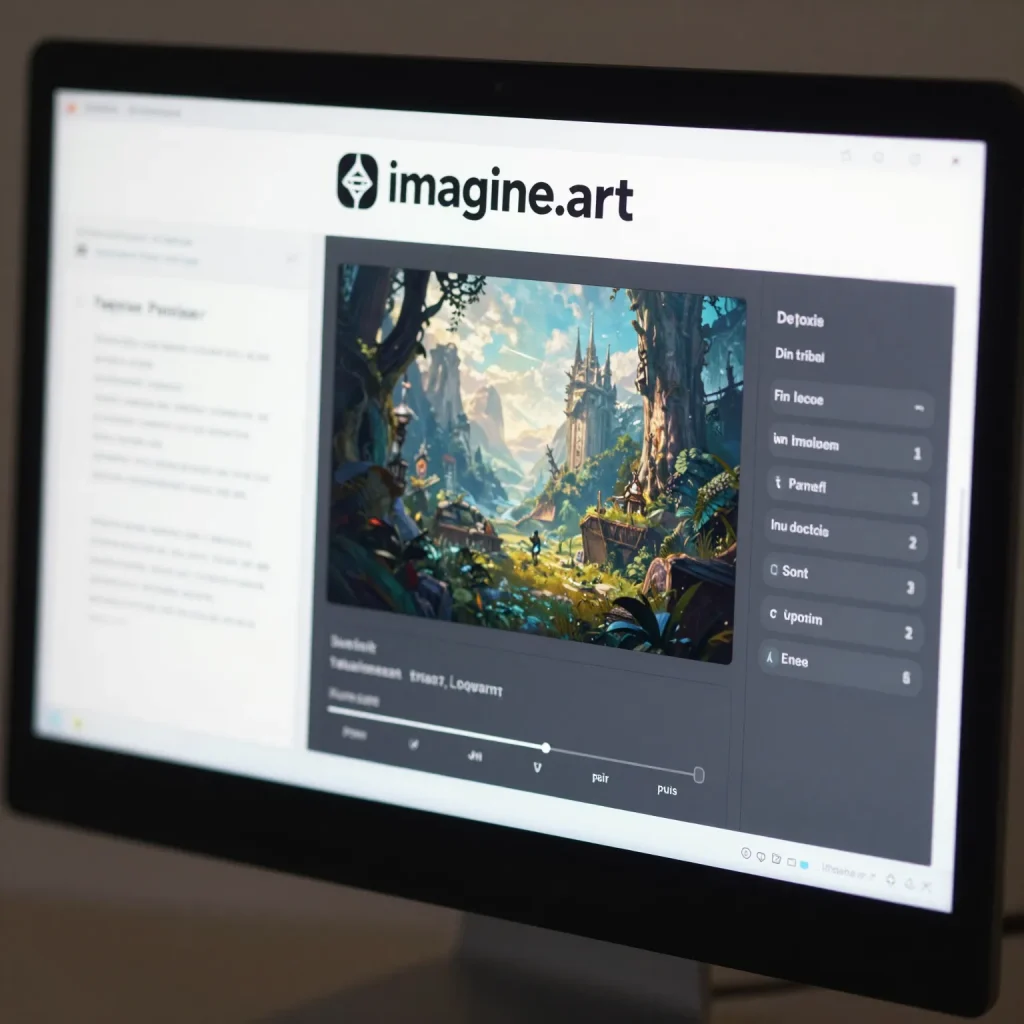
Imagine.art is an AI image generation platform that converts written prompts into detailed images. Unlike traditional design tools such as Adobe Photoshop or Illustrator, Imagine.art does not require manual drawing or complex editing. Instead, users describe what they want, and the AI handles the rest.
Because of this simplicity, Imagine.art has gained popularity among startups, social media managers, NFT creators, and bloggers. It also competes with platforms like Midjourney, DALL·E, and Stable Diffusion, while maintaining a more beginner-friendly experience.
How Imagine.art Works Behind the Scenes
Imagine.art uses advanced generative AI models trained on massive image datasets. When you enter a text prompt, the system analyzes keywords, style cues, lighting instructions, and composition details. Then, it generates images that closely match the description.
For example, a prompt like “a futuristic Lagos skyline at sunset in cinematic style” will produce detailed visuals with realistic lighting, architecture, and mood. As a result, users can quickly iterate on ideas and explore creative directions without starting from scratch.
Read More: How to Create a Sales Ad Video Using Google Vids Without Spending a Dime
Step-by-Step Guide to Creating AI Art with Imagine.art
Getting started with Imagine.art is straightforward. First, visit the Imagine.art platform and create an account. After logging in, you will see a prompt input box.
Next, type a clear and descriptive prompt. Be specific about style, colors, mood, and subject. For instance, instead of writing “a logo,” write “a minimalist tech startup logo with blue and white colors, flat design, modern typography.”
Then, choose image settings such as resolution or style if available. After that, click generate and wait a few seconds. The AI will present multiple image variations. From there, you can download, regenerate, or refine the prompt for better results.
Best Use Cases for Imagine.art
Imagine.art fits perfectly into several creative workflows. Social media marketers use it to generate Instagram visuals, Pinterest graphics, and ad creatives. Bloggers and publishers use it for featured images and illustrations. Startup founders rely on it for brand concepts, landing page visuals, and pitch deck graphics.
In addition, designers often combine Imagine.art with tools like Canva, Figma, or Adobe Express to refine layouts and typography after generating the base image.
Common Applications of Imagine.art
| Use Case | How Imagine.art Helps |
|---|---|
| Branding | Logo concepts and brand visuals |
| Social Media | Posts, ads, and thumbnails |
| Blogging | Featured images and illustrations |
| Marketing | Campaign creatives and visuals |
| NFTs | Unique digital art generation |
Read More: Desktop or Mobile: Which Will Rule Your Digital Life
How Imagine.art Compares to Other AI Art Tools
While Midjourney excels at artistic depth and DALL·E integrates well with ChatGPT, Imagine.art shines in accessibility and speed. It focuses on making AI art creation simple for everyday users rather than only experienced prompt engineers.
Moreover, Imagine.art often produces cleaner visuals suitable for commercial use. This makes it attractive for marketers who need quick results without heavy post-editing.
Tips for Writing Better Prompts on Imagine.art
Strong prompts lead to better images. Therefore, always include style references such as “photorealistic,” “digital illustration,” or “3D render.” Also, mention lighting, mood, and perspective. Adding details like “soft lighting,” “high contrast,” or “wide angle view” improves output quality.
In addition, experiment frequently. Small changes in wording can produce dramatically different results. Over time, this practice helps you master prompt writing.
Read More: App Updates That Will Surprise You
Frequently Asked Questions
Is Imagine.art free to use
Imagine.art offers free access with limited generations. However, premium plans unlock higher resolution images and more features.
Can I use imagine.art images commercially
Yes. Most plans allow commercial use, but you should always review the platform’s licensing terms before publishing.
How does Imagine.art compared to Midjourney
Imagine.art is easier for beginners, while Midjourney offers deeper artistic control for advanced users.
Can Imagine.art replacing graphic designers
No. It supports designers by speeding up ideation, but human creativity and strategy remain essential.
What type of images work best on Imagine.art
Concept art, illustrations, logos, and social media visuals perform exceptionally well.
Conclusion
Imagine.art proves that creativity no longer belongs only to trained designers. By transforming text into powerful visuals, it empowers creators to move faster, experiment freely, and communicate ideas visually. As AI tools continue to evolve, platforms like Imagine.art will play a major role in shaping the future of digital creativity.


Pingback: How to Design a Professional Logo in Minutes Using AI Image Tools - Latest AI/Tech Info