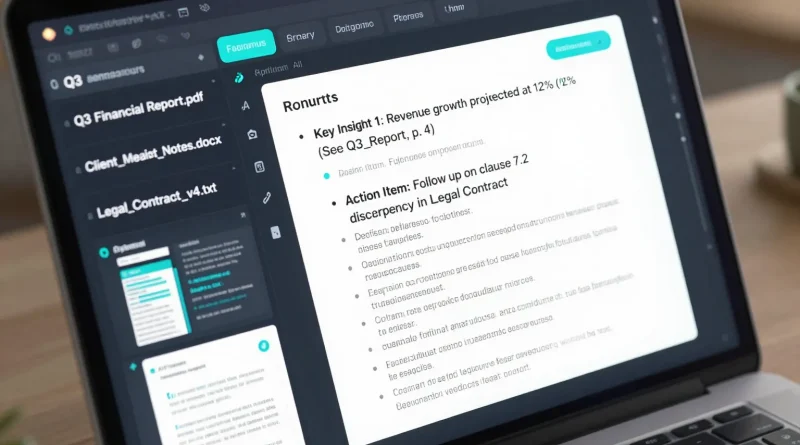
How to Summarize Research Documents Instantly Using NotebookLM
Introduction
Late at night, a student scrolls through a fifty-page research paper, overwhelmed by dense paragraphs and unfamiliar terms. At the same time, a business analyst struggles to extract insights from long reports before a morning presentation. These situations are common. However, AI tools like NotebookLM are changing how people read, analyze, and understand information. Instead of spending hours reading, users can now summarize complex documents in minutes.
NotebookLM represents a shift in how research and knowledge work happen. Rather than replacing thinking, it supports it by organizing information, highlighting key ideas, and answering questions based on your own documents.
What Is NotebookLM and Why It Matters
NotebookLM is an AI-powered research assistant developed by Google. Unlike generic chatbots, it works directly with the documents you upload. This means the AI does not guess or hallucinate information. Instead, it analyzes your source material and generates summaries, explanations, and insights grounded in your content.
Because of this approach, NotebookLM is especially useful for students, researchers, journalists, lawyers, and professionals who deal with large volumes of text regularly.
How NotebookLM Works With Your Documents
NotebookLM allows users to upload PDFs, Google Docs, notes, or copied text. Once uploaded, the AI processes the material and builds a knowledge base from it. After that, users can ask questions, request summaries, or explore specific sections.
For example, you can ask NotebookLM to summarize a research paper in simple language, extract key findings, or explain technical terms. As a result, understanding complex material becomes faster and more accessible.
Read More: How to Design a Professional Logo in Minutes Using AI Image Tools
Key Features That Make NotebookLM Stand Out
NotebookLM focuses on accuracy and context. Instead of pulling information from the internet, it limits responses to your uploaded sources. This reduces misinformation and improves trust.
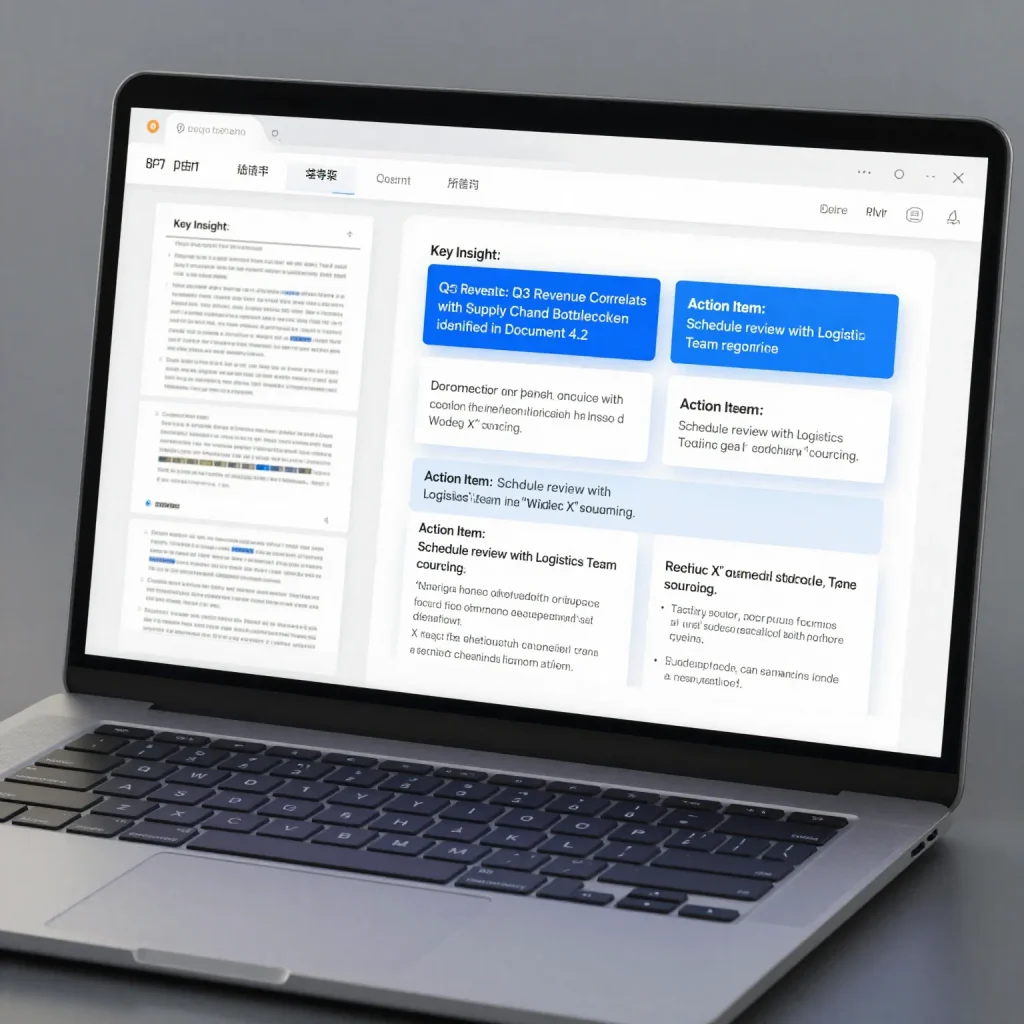
It also supports conversational exploration. Users can ask follow-up questions, request comparisons, or generate outlines based on the document content. In addition, citations link answers back to the source text, making verification easy.
Practical Use Cases for NotebookLM
NotebookLM fits into many real-world workflows. Students use it to study textbooks and academic papers. Researchers use it to compare findings across documents. Content creators use it to extract ideas from reports and interviews. Business teams rely on it to summarize strategy documents and meeting notes.
Because it works with user-provided material, it adapts easily to different industries and needs.
Common Uses of NotebookLM
| User Type | How NotebookLM Helps |
|---|---|
| Students | Summarizes textbooks and papers |
| Researchers | Extracts insights and comparisons |
| Journalists | Analyzes interviews and reports |
| Businesses | Reviews documents and strategies |
| Creators | Finds ideas and key points |
Read More: How to Turn Text Prompts Into Stunning AI Art Using Imagine.art
Step-by-Step Guide to Summarizing Documents With NotebookLM
First, open NotebookLM and upload your document. Next, allow the AI to process the file. Then, ask a clear question such as “Summarize this document in simple terms” or “What are the key findings?”
After that, review the summary and explore deeper questions if needed. You can ask for bullet points, explanations, or comparisons. Finally, save or export the insights for later use.
This workflow saves time while improving understanding and retention.
How NotebookLM Compares to Other AI Research Tools
Unlike tools such as ChatGPT or Claude, NotebookLM limits its knowledge to your documents. This focus improves accuracy and relevance. While general AI tools are useful for brainstorming, NotebookLM excels at structured research and document analysis.
As AI research tools evolve, this source-grounded approach may become the standard for serious knowledge work.
Tips for Getting the Best Results From NotebookLM
To improve summaries, upload clean and well-structured documents. Use specific questions rather than vague prompts. Also, break large documents into sections when necessary. This approach helps the AI focus and produce clearer results.
Over time, learning how to ask better questions will significantly improve output quality.
Read More: How to Create a Sales Ad Video Using Google Vids Without Spending a Dime
Frequently Asked Questions
Is NotebookLM free to use
NotebookLM currently offers free access during its experimental phase, with potential premium features later.
Does NotebookLM use the internet
No. It only uses the documents you upload, which improves accuracy.
Can NotebookLM summarize academic papers
Yes. It works well with research papers, reports, and textbooks.
Is NotebookLM better than ChatGPT for research
For document-based research, yes. ChatGPT is broader, while NotebookLM is source-focused.
Can NotebookLM replace reading completely
No. It supports understanding but should complement careful reading.
Conclusion
NotebookLM changes how people interact with information. Grounding AI responses in your own documents, it transforms overwhelming research into manageable insights. As information continues to grow, tools like NotebookLM will become essential for learning, productivity, and decision-making.