
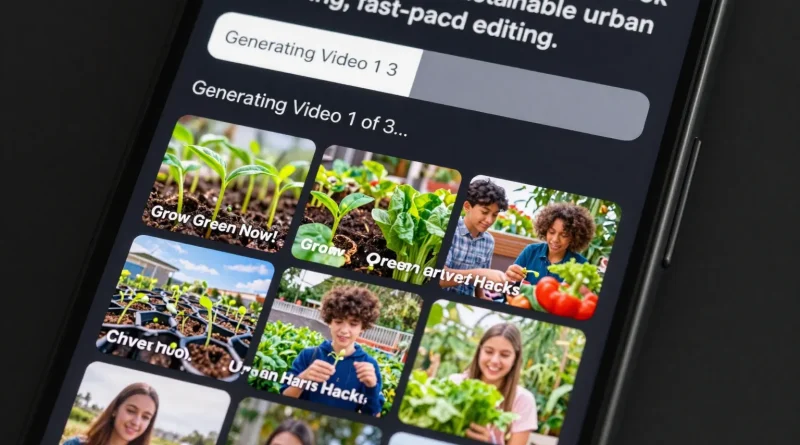
How to Create Short Social Media Videos Using AI Video Generators
Late at night, a small business owner scrolls through TikTok and Instagram Reels, noticing how short videos dominate attention. Every swipe reveals polished clips with captions, transitions, and music. The pressure to keep up feels intense. However, AI video generators have changed the rules. Today, anyone can create engaging short videos in minutes, even without editing skills. This shift has opened new opportunities for creators, brands, and entrepreneurs worldwide.
Short-form video has become the most powerful content format online. Platforms reward consistency and speed. AI tools now make that speed possible.
Why Short AI-Generated Videos Are Taking Over Social Media
Short videos work because they deliver value quickly. Audiences want fast entertainment, tips, or stories. At the same time, platforms like TikTok, Instagram, and YouTube Shorts favor creators who post often.
AI video generators solve a key problem. They reduce production time. Instead of filming, editing, and rendering manually, users can generate videos from text prompts, scripts, or images. As a result, content creation becomes scalable.
How AI Video Generators Work
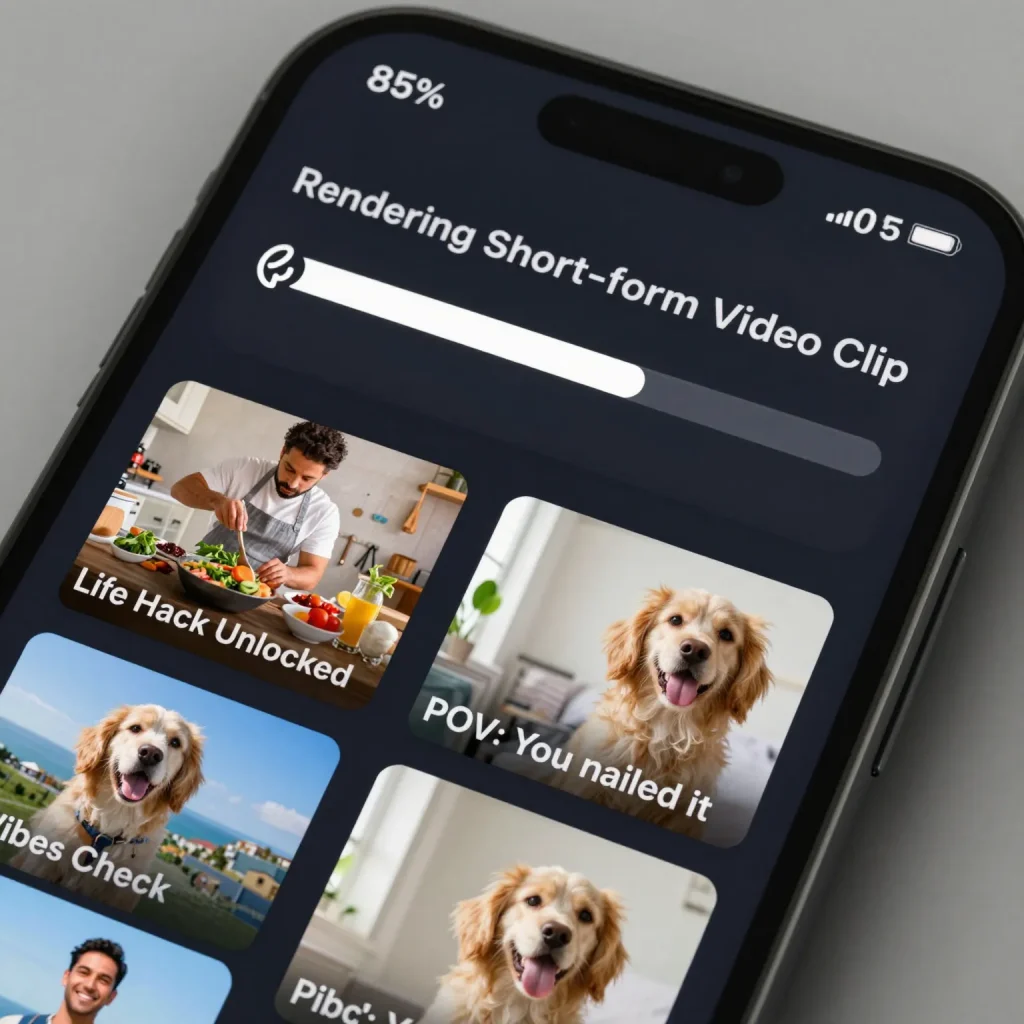
AI video tools analyze text prompts or scripts and convert them into visual scenes. They automatically add stock footage, animations, subtitles, transitions, and background music. Some tools also generate AI voiceovers in different accents and tones.
For example, a marketer can input a short script promoting a product. The AI then produces a vertical video optimized for mobile viewing. This process usually takes minutes rather than hours.
Read More:
Popular AI Video Tools for Short Content
Several platforms lead this space. Pictory helps transform scripts and blog posts into short videos. InVideo AI focuses on social media ads and reels. Runway offers advanced AI video editing and generation features. CapCut AI integrates templates with automated effects for TikTok and Instagram. Lumen5 converts text into video using brand-friendly visuals.
Each tool targets a slightly different audience, but all aim to simplify video creation.
Comparison of AI Video Generators
| Tool | Best Use Case | Key Feature |
|---|---|---|
| Pictory | Content repurposing | Script to video automation |
| InVideo AI | Social ads | Fast reel templates |
| Runway | Creators and editors | Advanced AI video effects |
| CapCut AI | TikTok creators | Trend based templates |
| Lumen5 | Brands and marketers | Text to video branding |
Read More:
Step-by-Step Guide to Creating Short Videos With AI
Start by choosing an AI video generator that fits your platform goals. Next, write a short script or key points. Then, paste the text into the AI tool and select a vertical format.
After that, customize visuals, captions, and music if needed. Preview the video and export it in the recommended resolution. Finally, upload directly to TikTok, Instagram Reels, or YouTube Shorts.
Because AI handles most of the work, creators can focus on ideas rather than editing.
Tips for Making AI Videos Perform Better
Although AI speeds up production, strategy still matters. Keep videos under sixty seconds. Use strong hooks in the first three seconds. Add captions because many users watch without sound. Also, align visuals with your message to maintain clarity.
Testing different styles and formats helps identify what resonates best with your audience.
How AI Video Tools Are Changing Content Creation
AI video generators allow individuals and small teams to compete with larger brands. They reduce costs while increasing output. As AI improves, videos will become more personalized and interactive.
This trend suggests that future content creation will rely more on ideas and storytelling than technical skills.
Read More:
Frequently Asked Questions
Are AI video generators free
Many tools offer free plans with limited features, while premium plans unlock advanced options.
Can AI videos be monetized
Yes. Creators monetize AI-generated videos through ads, sponsorships, and promotions.
Do AI videos work on TikTok and Instagram
Yes. Most tools export videos optimized for vertical formats.
Is video editing experience required
No. AI handles editing automatically.
Can AI replace human video editors
AI speeds up production, but human creativity still guides storytelling and strategy.
Conclusion
AI video generators have transformed short-form content creation. What once required editing expertise now takes minutes. As social media competition increases, speed and consistency matter more than ever. AI gives creators that advantage, making short videos accessible to everyone.



Pingback: How to Generate Marketing Copy Faster Using AI Writing Tools - Latest AI/Tech Info
Pingback: How to Build a Simple App Prototype Using AI Code Assistants - Latest AI/Tech Info