
Desktop or Mobile: Which Will Rule Your Digital Life
Introduction
In 2026, the way we interact with technology is evolving faster than ever. Smartphones, tablets, and laptops used to serve distinct purposes. Now, with AI integration, the lines are blurring. Many people wonder: should we invest in powerful desktops or rely on the convenience of mobile devices? The answer isn’t simple—both are evolving, and AI is redefining what each can do.
The debate isn’t just about specs or portability. It’s about how AI changes productivity, creativity, and daily tasks. From AI-powered writing assistants and design software to predictive scheduling and automated analytics, devices are becoming smarter, adapting to users’ needs regardless of platform.
How AI Transforms Desktop Experiences
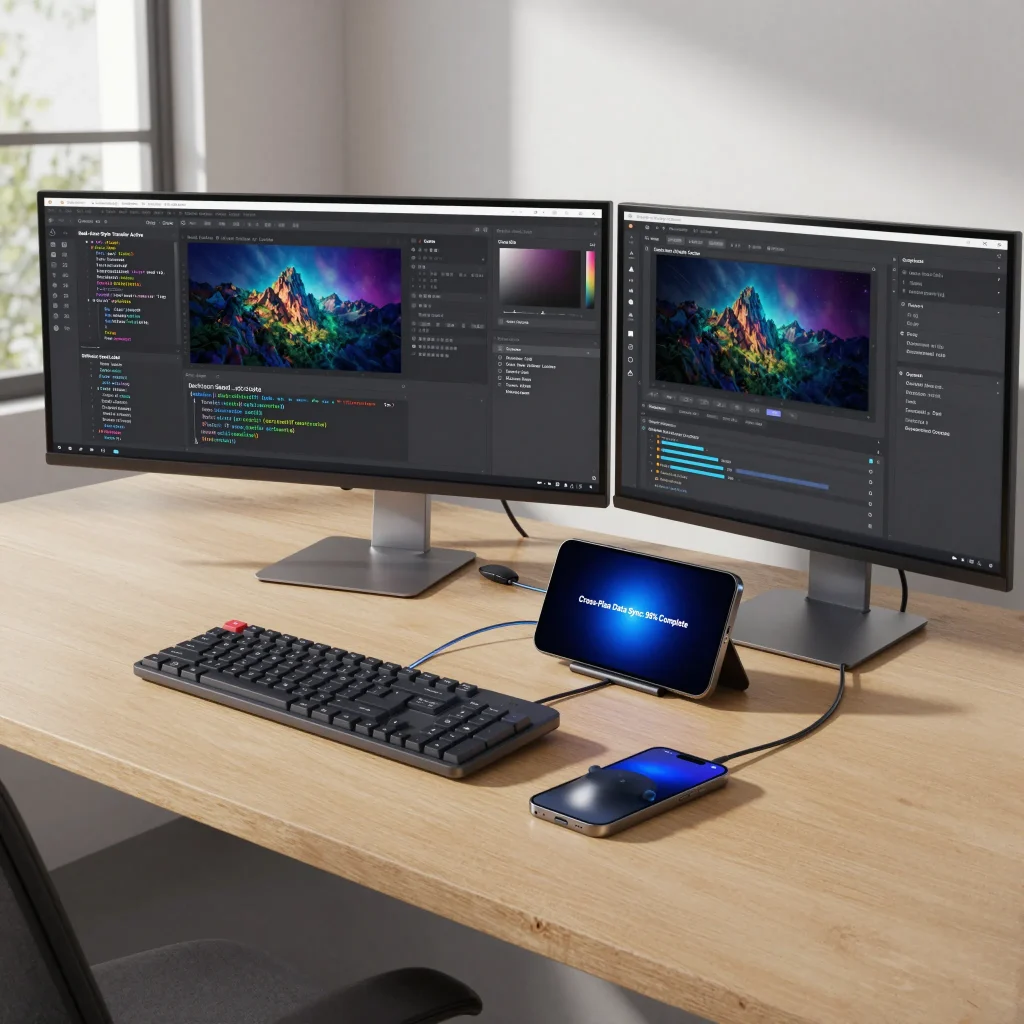
Desktops remain the powerhouse for heavy AI tasks. Video editing, 3D rendering, data analysis, and large-scale simulations are smoother and faster on high-performance machines. AI software like Adobe Firefly, Runway ML, and Nvidia Canvas thrives on desktop architectures, leveraging GPUs and RAM for complex computations.
| Desktop AI Feature | Benefit |
|---|---|
| GPU-accelerated rendering | Faster video and 3D processing |
| AI-driven analytics | Quick insights from large datasets |
| Predictive software tools | Automates repetitive tasks |
| AI-powered creative suites | Advanced design, photo, and video capabilities |
| Multi-monitor setups | Enhanced workflow efficiency |
Read More: SaaS Platforms That Could Make You a Tech Genius
How AI Enhances Mobile Devices
Mobile devices are catching up rapidly. AI now enables on-device photo editing, predictive text, voice recognition, and smart app automation. Phones like the iPhone 15 Pro Max, Samsung Galaxy S24 Ultra, and Google Pixel 8 Pro integrate AI features that reduce friction in communication, organization, and content creation.
| Mobile AI Feature | Benefit |
|---|---|
| On-device AI photo enhancement | Professional quality photos instantly |
| AI assistants (Siri, Google Assistant, Bixby) | Task automation and reminders |
| Smart notifications | Prioritized alerts based on behavior |
| AI-powered apps | Creative tools, productivity, and social media management |
| Battery optimization AI | Extends device runtime intelligently |
Key Differences Between Desktop and Mobile AI
| Aspect | Desktop | Mobile |
|---|---|---|
| Processing power | High, suited for heavy workloads | Moderate, optimized for efficiency |
| Portability | Limited, stationary | High, can work anywhere |
| AI integration | Advanced, supports professional software | Convenient, supports daily productivity |
| Use case | Creative studios, data analysis, coding | Social media, quick editing, remote work |
| Battery dependency | Plugged in | Relies on battery, AI optimizes usage |
Read More: App Updates That Will Surprise You
Who Should I Choose Desktop
- Professionals in video production, 3D design, and programming
- Analysts working with large datasets
- Gamers seeking AI-enhanced graphics performance
- Anyone needing multi-monitor, high-performance setups
Who Should Choose Mobile
- Creators and influencers needing fast content editing on the go
- Students managing tasks, notes, and learning apps
- Remote workers who value portability
- Everyday users leveraging AI for communication, reminders, and personal productivity
The Hybrid Future
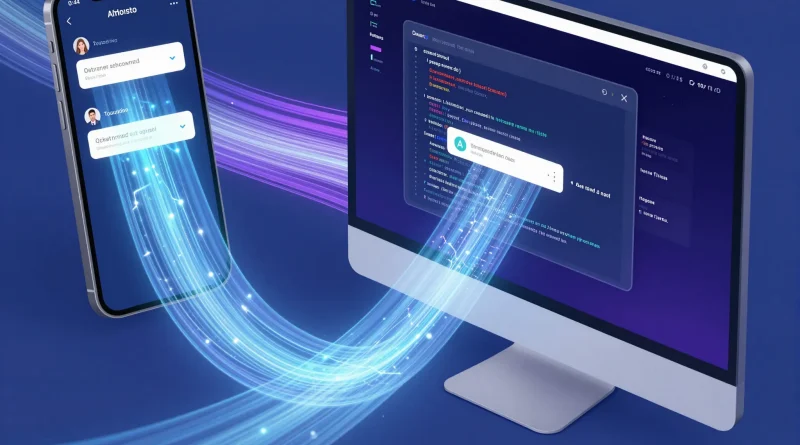
The future isn’t about choosing one over the other. Cloud computing, AI streaming services, and cross-platform apps allow desktops and mobile devices to complement each other. A designer can start a project on a desktop, refine it on a tablet, and share it from a phone seamlessly. AI makes these transitions smarter and more efficient.
Read More: Productivity Apps That Will Change How You Work
Frequently Asked Questions
Can AI make mobile devices as powerful as desktops?
AI enhances performance, but desktops still outperform mobiles in high-end tasks due to hardware advantages.
Is cloud computing bridging the gap?
Yes, cloud AI services allow mobile devices to perform complex tasks remotely.
Which device is better for creators?
Desktops for high-end production, mobiles for quick edits and social sharing.
Do AI features drain battery on mobile?
Modern AI optimizes processing to minimize battery impact.
Conclusion
The battle between desktop and mobile is no longer about raw power or portability alone. AI integration has changed the landscape, making both platforms indispensable in modern digital life. Choosing the right device depends on workload, mobility, and how you use AI daily. Ultimately, the smart approach is a hybrid strategy where desktops handle heavy tasks while mobiles keep you productive and creative on the go.



Pingback: How to Create a Sales Ad Video Using Google Vids Without Spending a Dime - Latest AI/Tech Info